Start · Hinglish

creator combo · beginner

The complete zero-to-creator path — AI, editing, branding and your first client, in one LIVE program.

₹4,999₹9,999Save 50%
Ask on WhatsApp
  • Duration6 weeks · ~5 hours/week
  • FormatLIVE on Zoom · lifetime recordings
  • LanguageHinglish
  • StartsNew batch every 4 weeks
The overview

what this course actually is.

Creator Combo · Beginner is NCA’s starter program for people beginning from absolute zero. If the word "keyframe" scares you and you have never opened Premiere Pro, this is where you start — and by the end you will have shipped real work.

It is a six-week LIVE program that combines four things a first-time creator needs at once: AI tools that save you hours, mobile-first editing (CapCut, InShot, VN) and an intro to Premiere Pro, personal branding so your reels do not look anonymous, and the basics of freelancing so you can turn one skill into your first paycheck.

You are on live Zoom every week with a working practitioner, plus lifetime access to the recordings, a private WhatsApp community and weekly assignments that force you to actually make work.

The curriculum

everything you will learn.

01

Week 1 · AI toolkit for creators

  • ChatGPT + Gemini for scripts, hooks and captions
  • Prompt patterns that give usable output first try
  • AI research: turning any topic into a content angle in 10 minutes
  • The ethical rules — where AI helps and where it hurts
02

Week 2 · Mobile editing on CapCut, InShot & VN

  • The one-thumb CapCut workflow that ships a reel in 20 minutes
  • Cutting to the beat: pacing, sound design and captions
  • Trending transitions — and when NOT to use them
  • Exporting for Reels, Shorts and TikTok without quality loss
03

Week 3 · Intro to Premiere Pro

  • Setting up Premiere Pro cleanly (no more crashes)
  • The 10 tools you actually use — the rest is noise
  • Timeline logic: cuts, ripple, sync, colour basics
  • Exporting for social + client delivery
04

Week 4 · Content creation strategy

  • The 3-hook framework that lifts retention
  • Content pillars — what to post so the algorithm helps you
  • Reels vs Shorts vs Long-form: where to spend your time first
  • Building a 30-day content calendar in one sitting
05

Week 5 · Personal branding

  • Positioning: how to introduce yourself so people remember
  • Bio + profile audit (live)
  • Colours, fonts and thumbnail templates that read as "yours"
  • The 5 pieces every creator profile needs
06

Week 6 · Freelancing basics — your first client

  • Portfolio in a weekend (using work you already made)
  • Pricing your first three projects without underselling
  • DM + WhatsApp pitch scripts that actually get replies
  • Delivering the work + collecting payment safely
The stack

tools & software covered.

  • CapCut Mobile
  • InShot
  • VN
  • Premiere Pro
  • ChatGPT
  • Gemini
  • Canva
  • Notion
  • Google Drive
Right fit

this is for you if…

  • Absolute beginners who have never opened an editor
  • Students who want a side income within 60–90 days
  • Working professionals switching to creator work
  • Small business owners wanting to run their own content
Not a fit

skip this if…

  • Editors who already ship weekly for clients — join Advanced instead
  • People who want After Effects motion graphics — that lives in Advanced
  • Anyone chasing "10 lakh in a month" promises
Before you start

Prerequisites

  • A smartphone (Android or iPhone) is enough to start
  • A laptop is helpful from Week 3 (Premiere Pro) but not mandatory
  • ~5 hours a week for classes + assignments
In your hands

What you get

  • 3 finished reels you can post immediately
  • 1 Premiere Pro edit you can add to your portfolio
  • Personal brand kit (bio + colours + thumbnail templates)
  • 30-day content calendar filled in with your ideas
  • Access to the NCA creator WhatsApp community
  • Lifetime recordings + NCA completion certificate
After

Realistic outcomes

  • You can ship a reel from idea to export in under an hour
  • You have a portfolio and a pitch you can send to clients
  • One client at ₹5,000+ pays the entire course back
Taught by

practitioners, not professors.

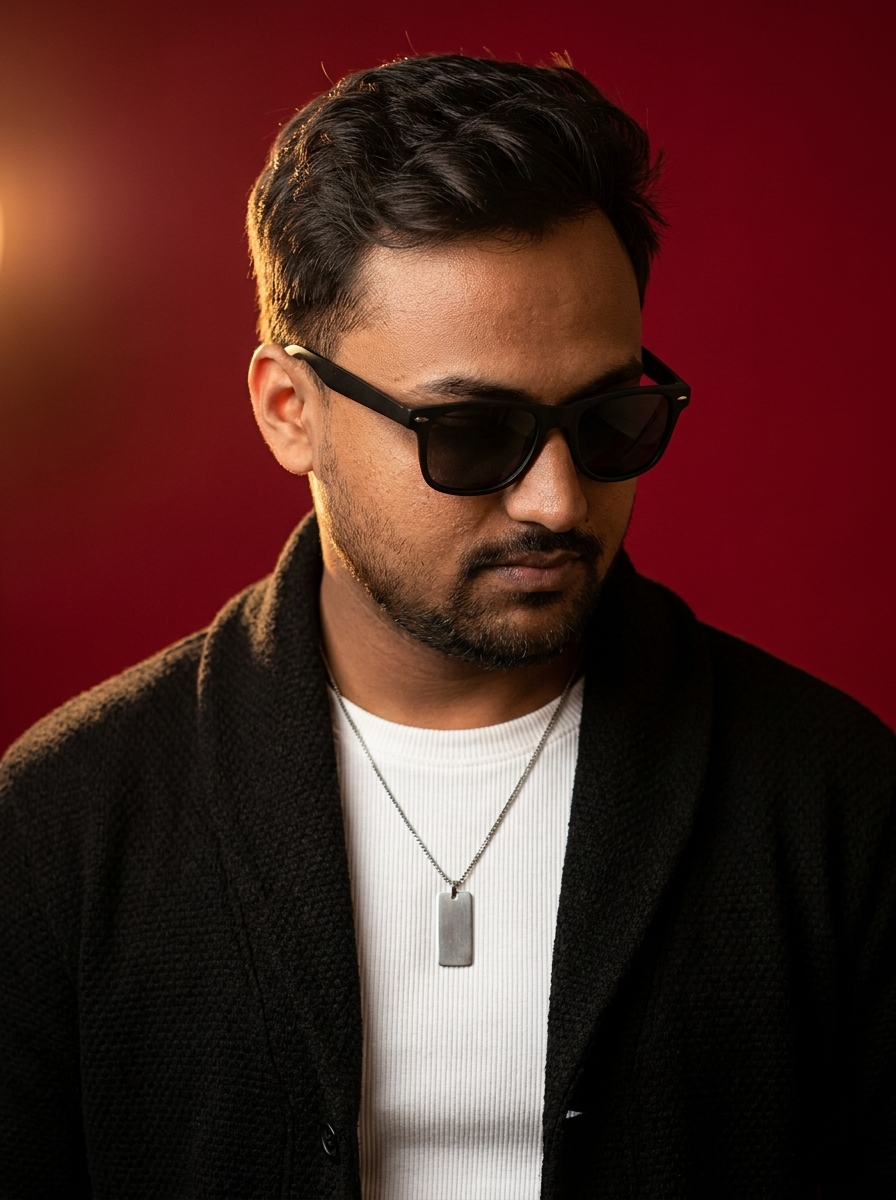
Joy Goala
Founder & Lead MentorJoy Goala

Founder of Axomize Media. Edits music videos and TVCs for Akanksha Puri, Saaj Bhatt, Sri Mandir.

Ayush Chauhan
Co-Founder & ProgramsAyush Chauhan

Runs the LIVE cohorts and the client-getting system. Every batch stays current, never recorded and forgotten.

Secure paymentsRazorpay · UPI / cards / EMI
Always LIVENever sold as recorded
CommunityWhatsApp lounge included
CertificateVerified on completion
Questions

before you enrol.

Yes. Weeks 1–2 and 4–6 are fully phone-friendly. For the Premiere Pro week we recommend a laptop, but you can still watch live and catch up on the recording later.

After Effects is a motion-graphics tool — it is powerful but the wrong first step. Premiere Pro is where 90% of paid editing work happens. We teach After Effects properly in the Advanced program.

Beginner assumes you are starting from zero and focuses on mobile + Premiere basics + freelancing basics. Advanced assumes you already ship regularly and goes deeper into After Effects, AI workflows, and a full client-getting system.

Ready?

enrol in creator combo · beginner.

₹4,999 · was ₹9,999 · LIVE · Hinglish · lifetime recordings.

Ask on WhatsApp
Razorpay secure UPI / cards / EMI Instant access after payment
Creator Combo · Beginner₹4,999₹9,999